
No Filming Required
Use the photos you already have.
THE EASIER WAY TO CREATE PROMO VIDEOS
Turn six simple business photos into a beautiful promotional video — without filming or editing.
No camera crew. No editing headaches. Just your photos transformed into professional-looking videos for Instagram, TikTok, and Facebook.
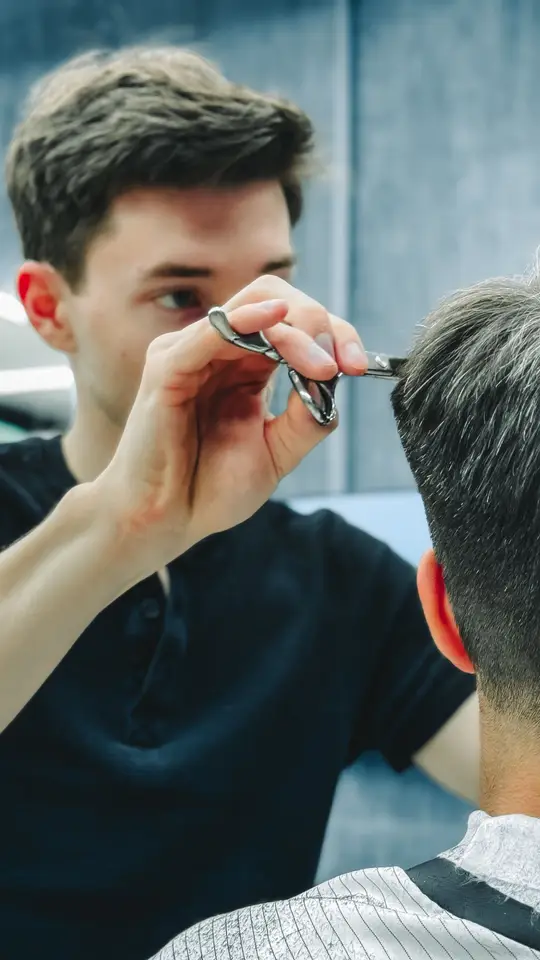
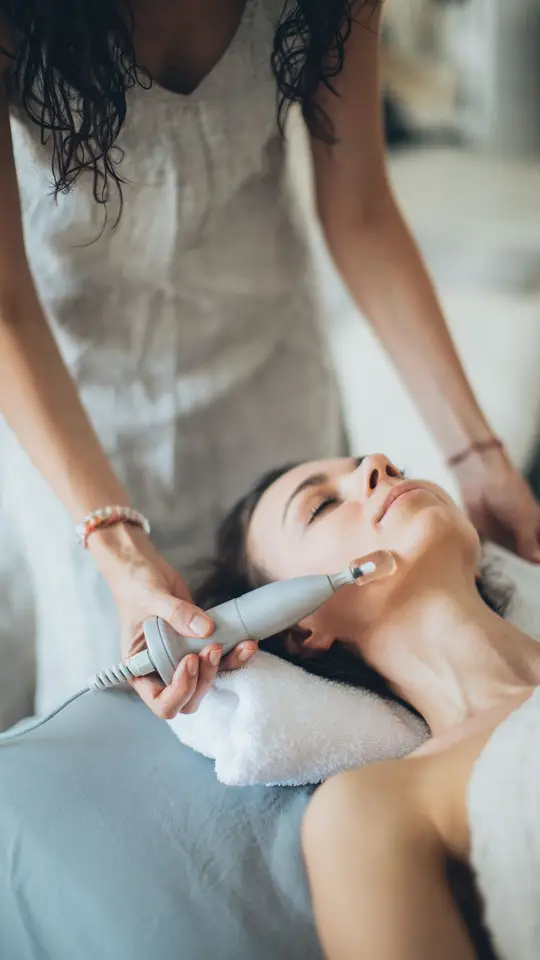
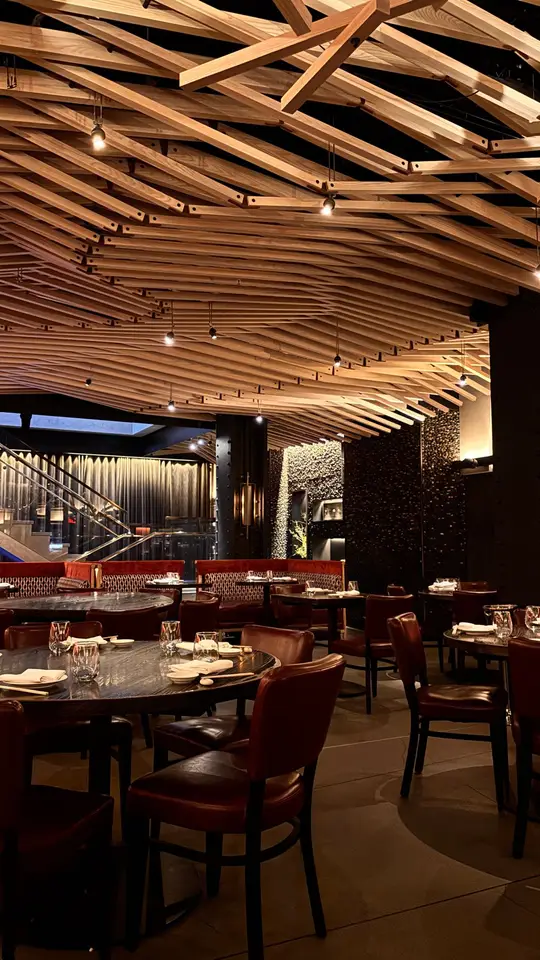
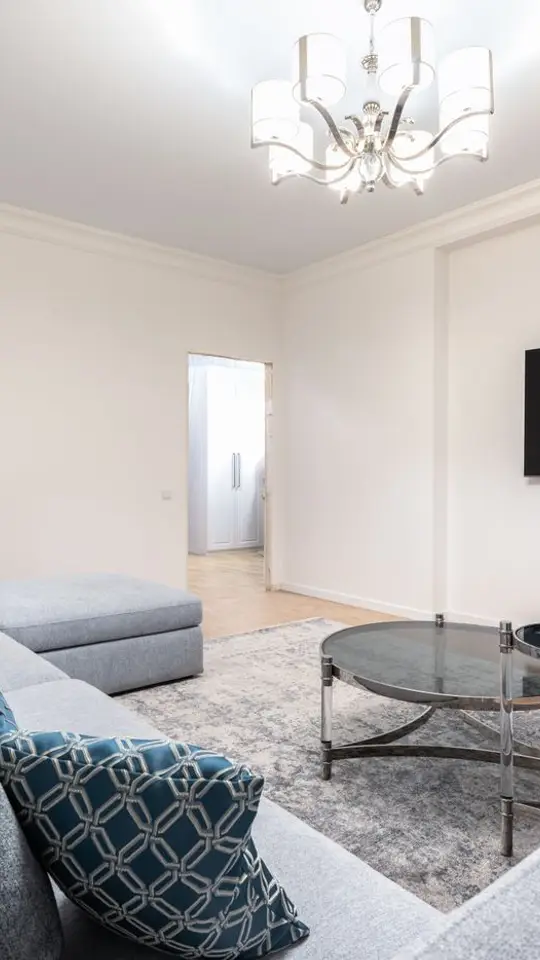
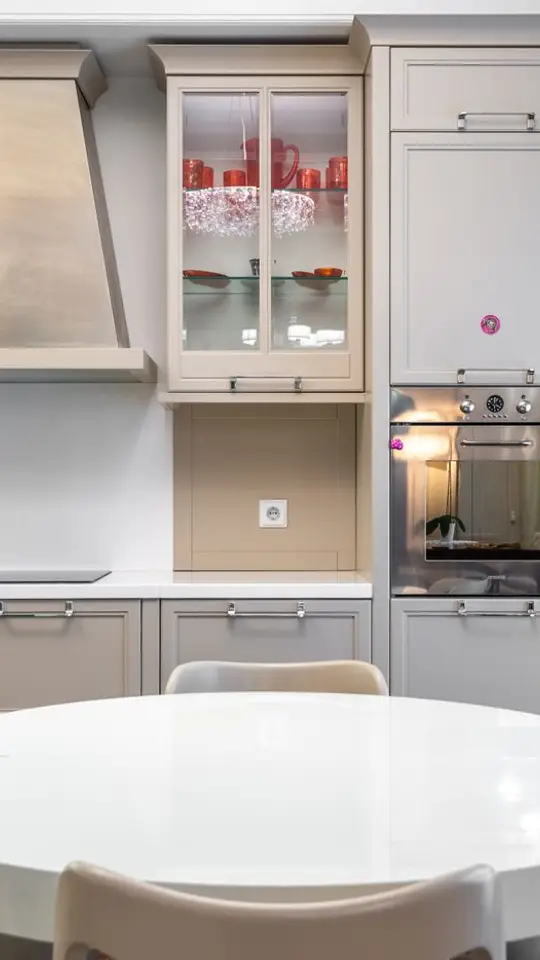
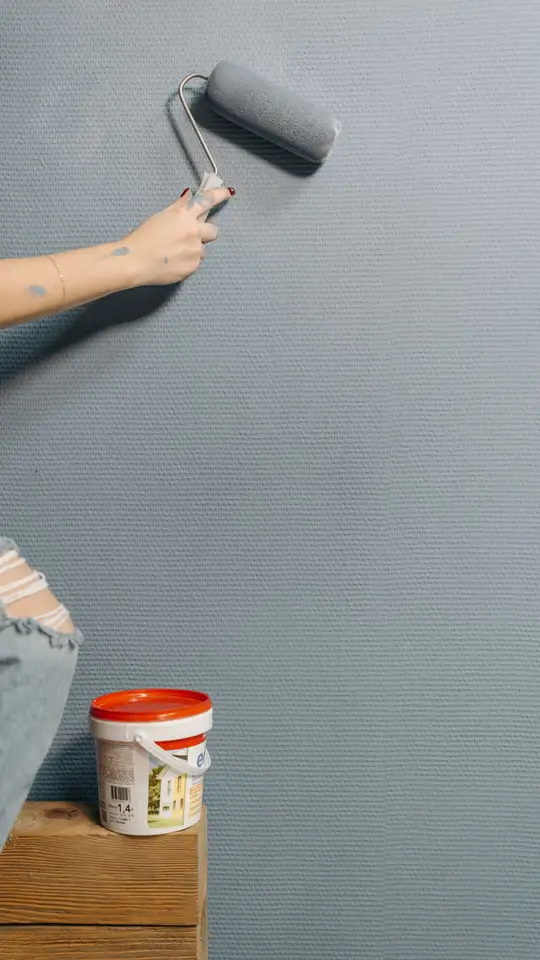
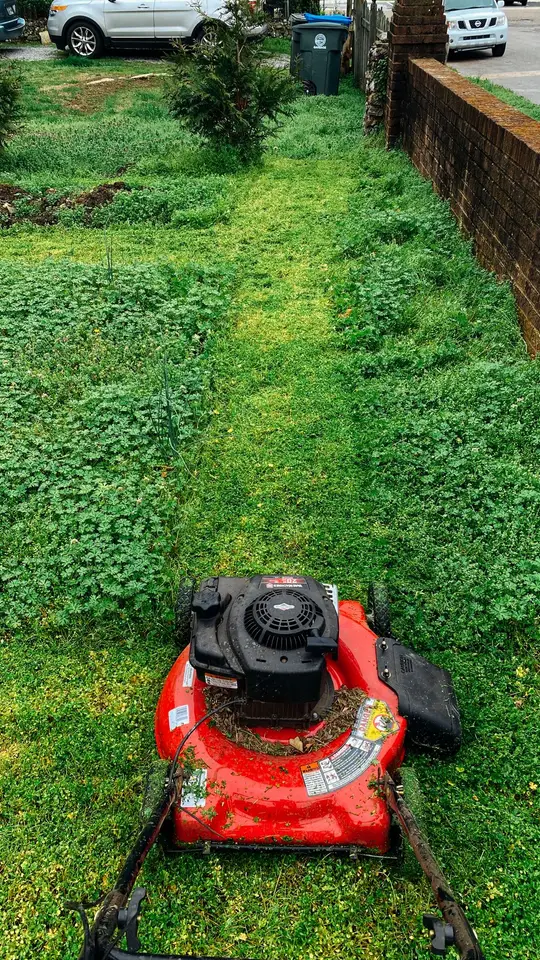
Your 6 Photos
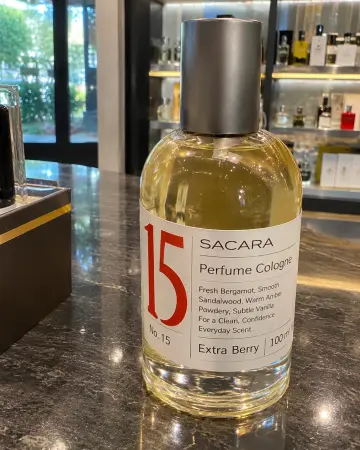





Your Promo Video
You already have the photos. Now give them a story.
Get StartedHere's how Velmio is being built to work.
STEP 01
Choose a few of your favorite business photos and add your logo if you have one.
STEP 02
Velmio is being built to write your script, add a voiceover, and turn your photos into a polished video with motion and transitions.
STEP 03
Use your finished video to showcase your business on Instagram, TikTok, Facebook, and more.
Give your business a professional-looking video without the time, equipment, or complexity of traditional production.
Use the photos you already have.
Skip complicated timelines and video software.
Designed for Instagram Reels, TikTok, and Facebook.
A simpler alternative to hiring a video production team.

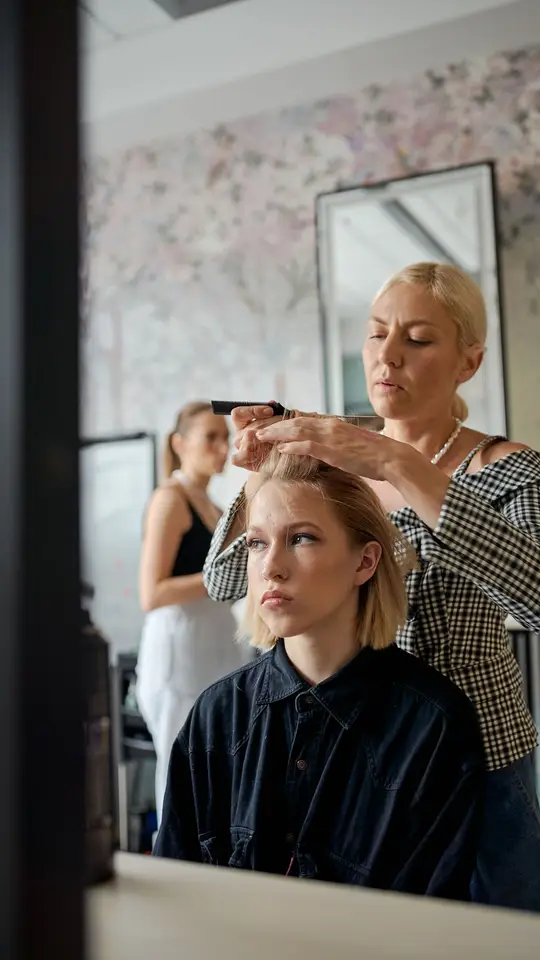
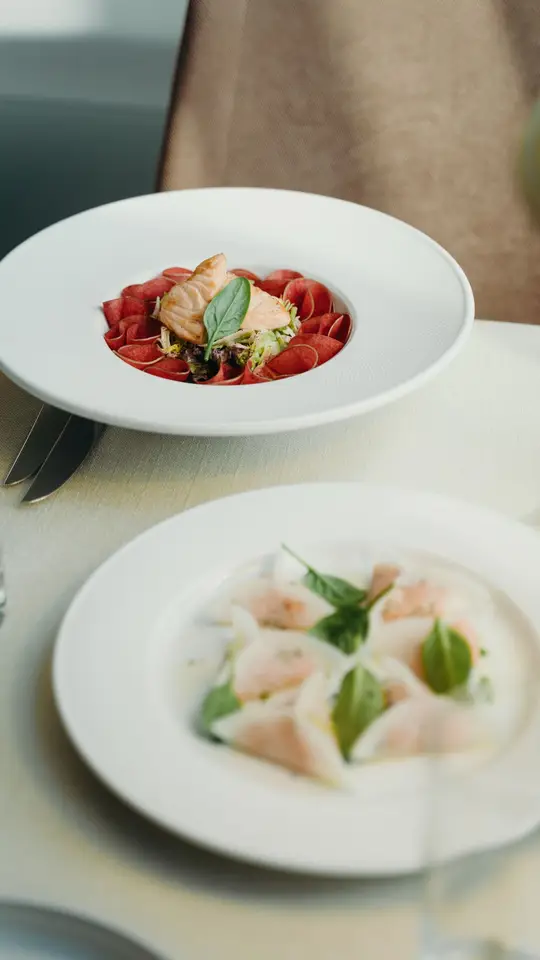
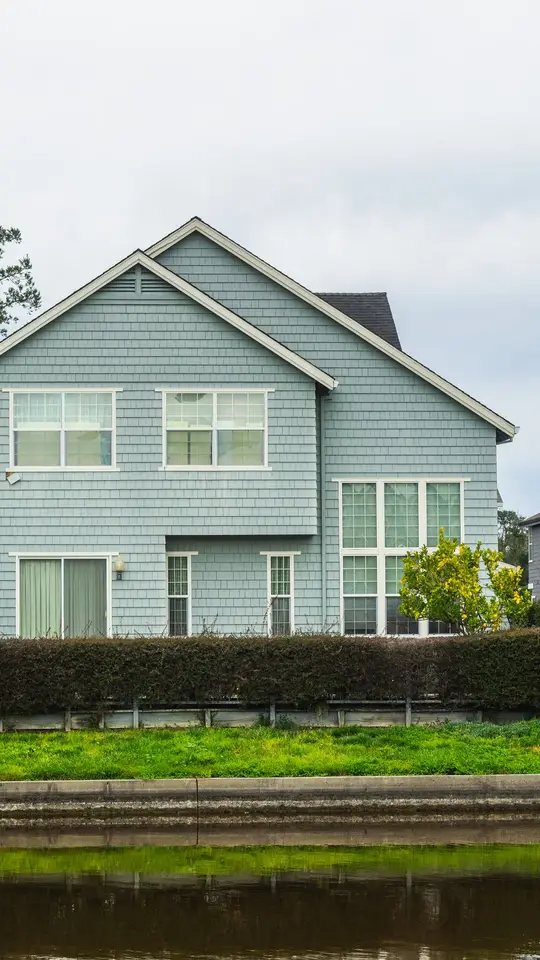
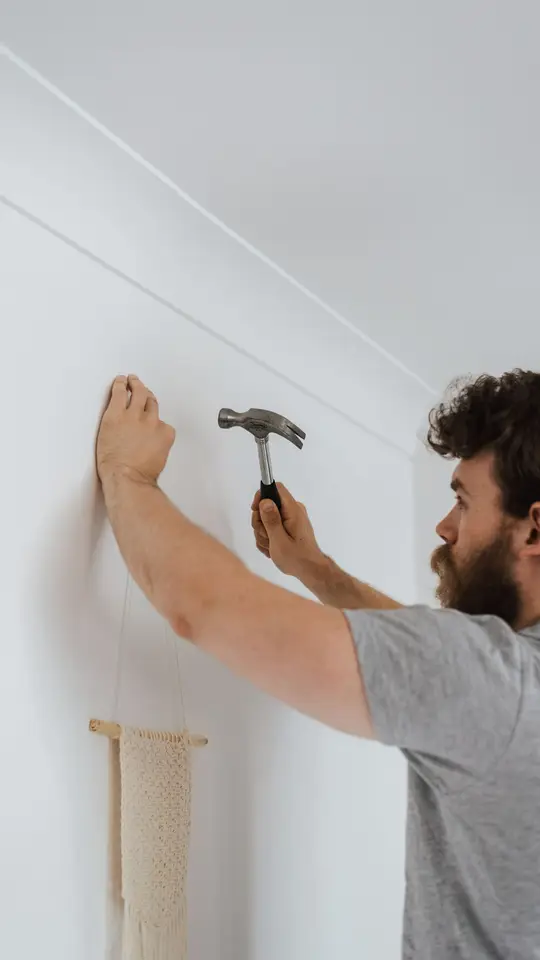
Examples marked Mockup are made with stock photos.
Get StartedStart with one video, or keep your business content fresh every month.
One video, when you need it.
$39 per video
Get StartedBest value
Fresh content all month.
$99 per month
Get StartedSign up, add your photos and logo, describe what the video should show, and pick a size. Velmio makes the video right in your browser, and you can download it when it's ready.
No. Signing up is free and doesn't need a payment method. You only pay if you choose a paid plan.
Right now, about as long as the video itself, which is usually under a minute. Once your photos and script are ready, Velmio renders the video while you watch.
At least 3, and six works best. Phone photos are fine, and you can add your logo if you have one. Your photos stay on your device.
No. You add your photos and describe what should happen, and Velmio handles the motion, transitions, and captions. You can edit any line of the script before you make the video.
You can pick a voice from your device to hear your script during the preview, but that voice isn't in the downloaded video. Studio voices, where available, are included in the download.
Yes. You can make vertical, portrait, square, or wide videos and post them from your own accounts, under each platform's rules. Use Chrome, Edge, or Safari to save an MP4 file.
Yes. Choose Edit Video, change your script, voice, or size, and make a new version.
You do. You keep the rights to your photos, your logo, and the videos you make with them.
Yes. You can cancel any time, and your plan ends at the next renewal. You won't be charged again after that.
Paid videos and monthly plans can't be refunded once delivered, except where the law requires it.
Turn the photos you already love into content worth sharing.
Get StartedVelmio assistant AI
AI can make mistakes. Don't share passwords or payment details. How chats are handled